Payment
1. Online Payment
- Step 1. During the Check out process, you will see the Online Payment screen as below.
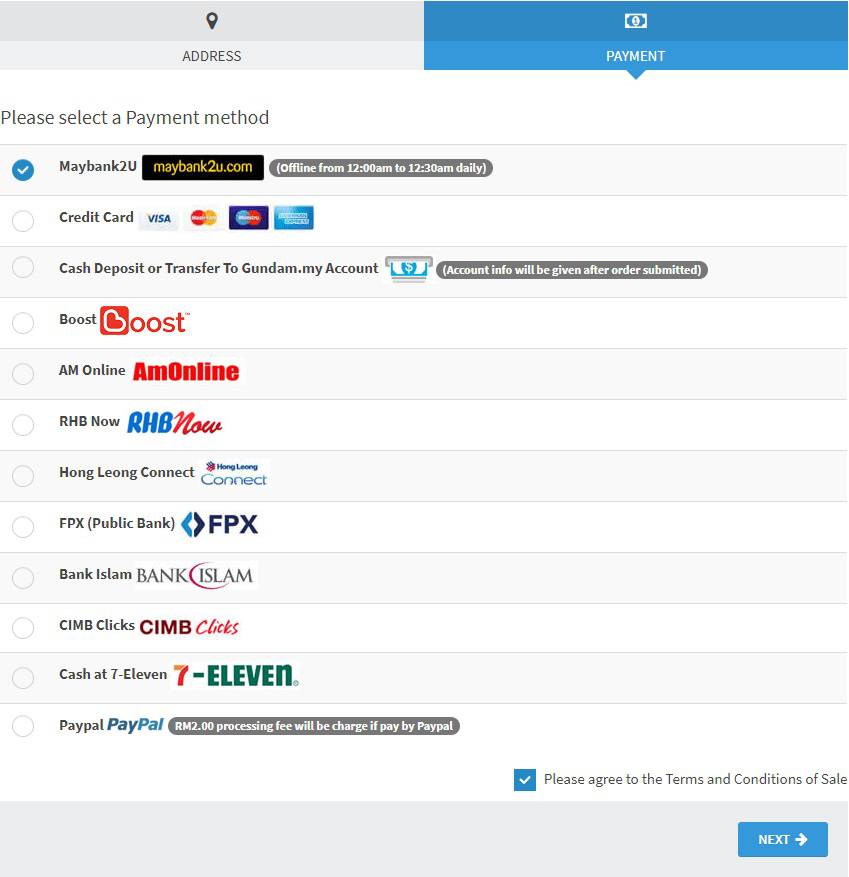
- Step 2. Choose your payment method from the list, and press "Next".
- Step 3. Follow the given instruction to complete the payment.
- Step 4. After complete the payment, we will receive a notification from the online payment service and verify it.
If there is no update on your order after 24hours, kindly contact us for clarification. - Step 5. Once payment confirmed, we will deliver the items to your shipping address.
2. CDM (Cash Deposit Machine) / ATM
 MayBank |
Greenomic Commerce Sdn Bhd | 5122 4060 4013 |
 Public Bank |
Greenomic Commerce Sdn Bhd | 3186 33 4516 |
*NOTE: PLEASE INFORM US ASAP AFTER PAYMENT MADE. EMAIL: [email protected] or Whatsapp : 60189882022 or update at https://www.gundam.my/payment-update.php.
Email must contain the following information :-
- Order ID (eg: #643210)
- Bank in Amount (eg: RM49.00)
- Bank in Method (eg: MBB cash deposit, MBB Online Funds Transfer, CIMB, Credit Card etc)
- Print Screen or Scanned Copy of Bank in Slip
After the payment is cleared, we will deliver the items to your shippping address.
If you have trouble receiving e-mail from us, please click HERE.
Thank you for ordering with us. If you have any enquiry, please feel free to email us at [email protected].
Help Topic::Making Bank Transfer Payment Online
We had create some help file to educate gundam fan & buyers on how to make payment via online transfer, please click on below icon to understand how-to.
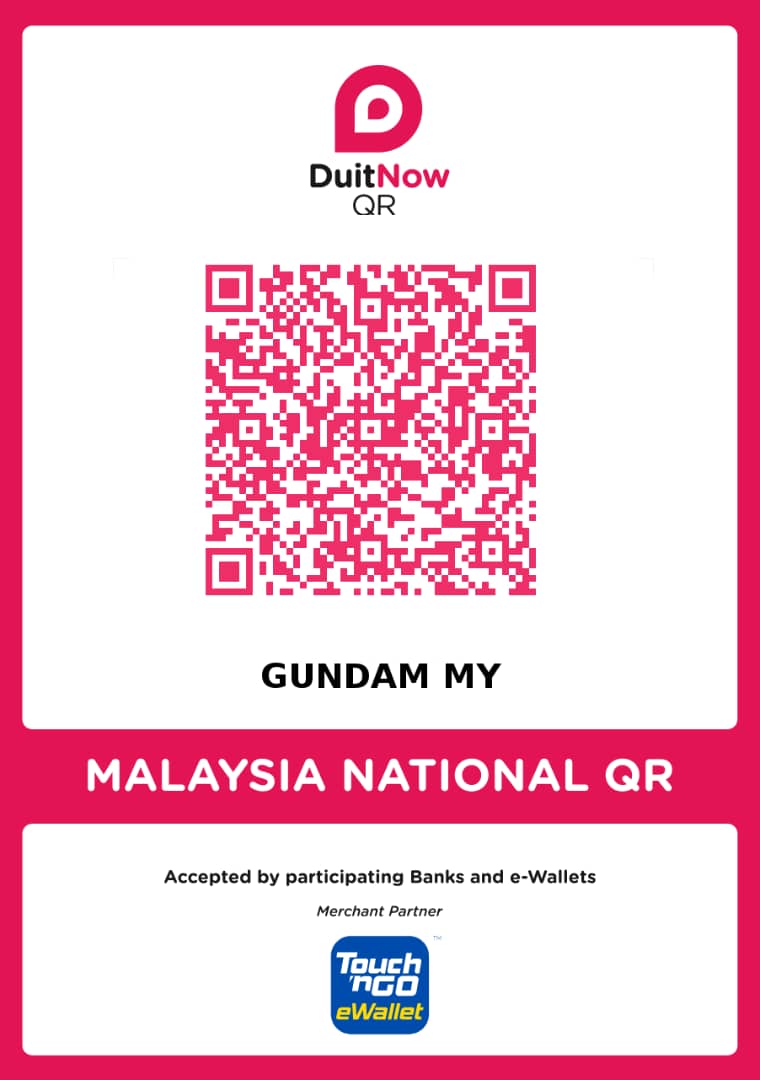
3. E-wallet: Duit Now QR code
This QR-Code is specific for all E-wallet application (e.g. TNG, Boost, Grab Pay, Shopee Pay, and etc), which you can use to pay without the hassle of using physical cash and enjoy multiple benefits of e-wallet. This QR code also support major local banks QR Pay features too.
Scan our QR code and pay